
How it works
1 Share a link
QR code on your menu, a nudge using WhatsApp, a slide show at your venue

2 Guests upload photos
Guests upload photos and videos from their smart phones.

3 Enjoy your wedding album
Enjoy your realtime wedding album.

Enjoy a realtime wedding album made from your guests photos & videos
Check out our video overview of how WeddingPixie works. Valerie gives you a quick tour.
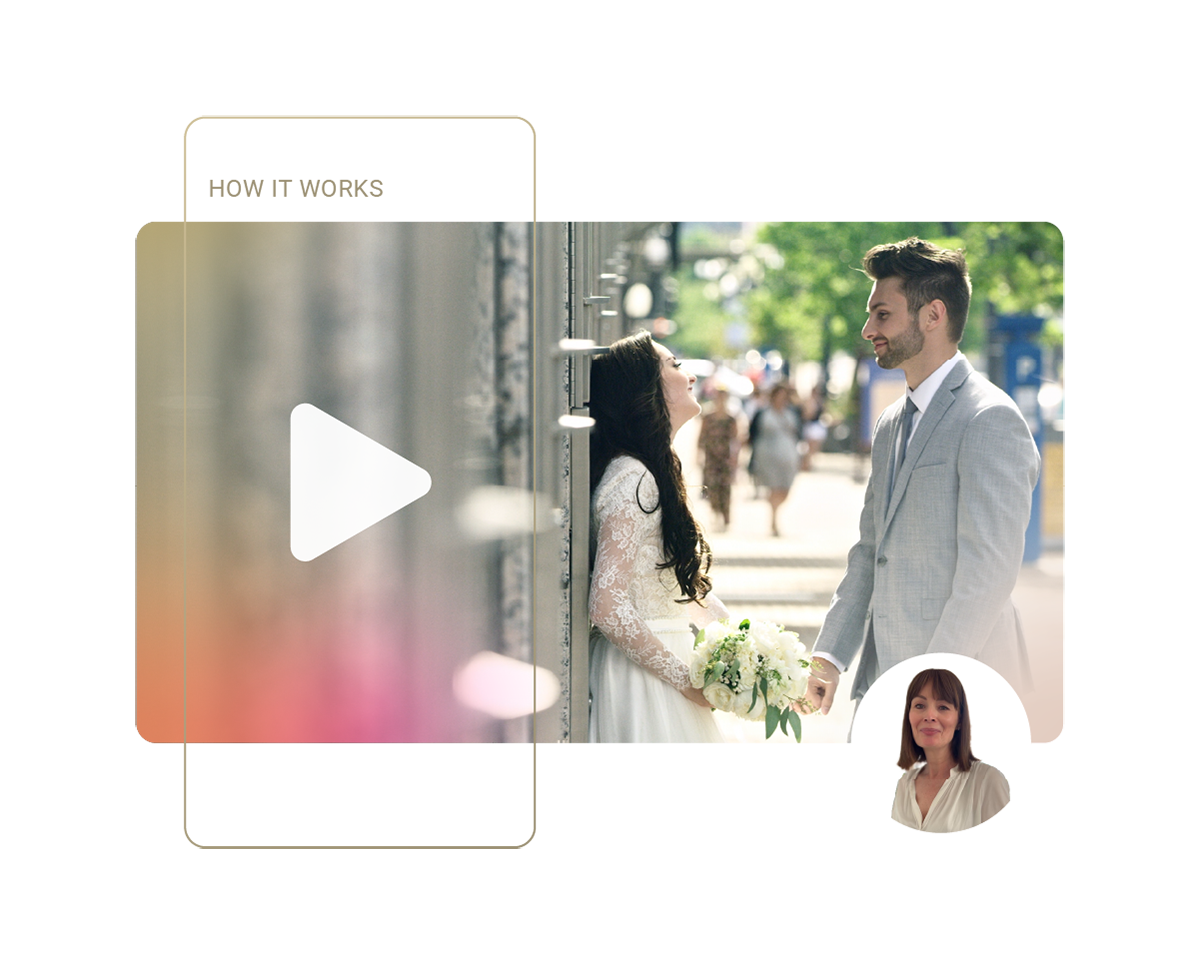

Collect all your wedding guest photos and videos using just 2 emails
We understand that your wedding day is one of the most important and busiest days of your life. We want to make it as easy as possible for you to collect all the wedding photographs and wedding videos taken by your guests. That's why we've captured the essentials of our service in just 2 emails.
- 'All you need to get started' email: contains your unique upload link, QR code, and real-time wedding album link.
- 'Download your photos and video' email: download the high-resolution photos uploaded by your guests to your phone or laptop so you have them forever.

Make it easy for your guests to share their photos & videos
At WeddingPixie, we understand that your wedding day is all about creating and preserving memories, and we believe that collecting these memories should be as simple and seamless as possible for both you and your guests. That’s why we’ve designed our service to prioritise an effortless experience for your guests:
- Easy to get started: for guests there are no logins or apps to download.
- Easy to use: guests simply upload photos and videos.
- Incentives to upload: guests get to see photos uploaded once they upload.

Place a QR code on your menu, send a WhatsApp nudge, and have a slideshow at your venue.
Nudge friends and family to share their photos and videos with a QR code, a WhatsApp message, or even a live slideshow at your wedding venue with WeddingPixie. We understand how important it is to collect all the candid photos and videos taken by your guests, which is why we've built in helpful nudges to make sharing effortless for everyone.
- Simple sharing: easy-to-use tools to share links with your guests.
- Unique Wedding QR Code: guests scan a personalised Wedding QR code that links directly to your wedding album’s upload page.
- Live Slideshow: a slideshow at your venue.

Relive your day immediately with your WeddingPixie wedding album
Curate your wedding album and relive your wedding day in real time. Enjoy full control over how your wedding photos and videos are organised and presented. Your WeddingPixie album is designed to help you re-enjoy your wedding day again and again. All photos and videos are uploaded and organised according to your wedding day’s timeline. Your photos are beautifully presented.
- Organised and structured: Photos are organised according to your wedding day timeline. Avoid a chaotic mess of photos.
- Curate your day: You have complete control over your album.
- Privacy and control: You decide what’s visible and what’s not.

Visualise your wedding day with our timeline feature
We understand how much work has gone into planning your wedding. We want to make sure that your wedding flow is reflected in WeddingPixie. You can tailor your WeddingPixie timeline to match your wedding plan. The timeline is where you control what parts of the album are visible to guests and where they can add photos and videos.
The big thing you want to avoid is having a large, unorganised trove of wedding photos and videos that are difficult to navigate and enjoy. Our wedding timeline feature helps you structure and manage your wedding album effectively, ensuring that every moment is collected and properly organised.
- Customisable Wedding Timeline: Tailor your WeddingPixie timeline to match your wedding plan.
- Timeline Ordering: WeddingPixie organises your wedding photos and videos according to the timeline, making it easy for guests to upload and for you to navigate through your album.
- Privacy Controls: Manage your wedding album’s visibility by choosing which sections are public or private, giving you full control over your shared memories.

Port Tunnel Business Park
Clonshaugh, Dublin
D17 FY82
Ireland